



If you want to get the most out of your workouts, pushing yourself to the point of exhaustion isn’t always the answer. More often, it’s about exercising smarter, not harder — and that’s where heart-rate training comes in. By tracking how hard your heart is working in real time, you can more precisely tailor your efforts toward your desired results.
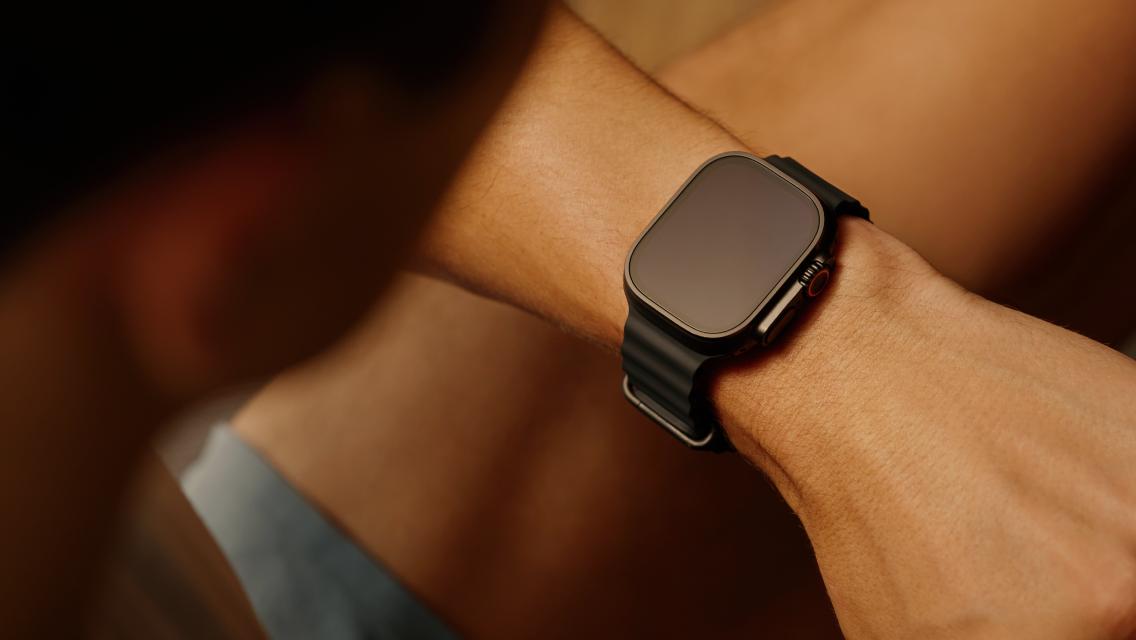
You no longer have to guess your exertion levels or try to decipher complicated metrics on your own to do this. Two of Life Time’s signature group-training classes, GTX and Alpha, have always emphasized heart-rate training in their programming. And now, you can seamlessly sync your Apple Watch with the Life Time app to integrate your personal data into the group-workout experience.
“We wanted to take the great Apple Watch technology and the science behind heart-rate tracking and combine it with the excellent programming we use in group training,” says Wes Robertson, signature program operations manager for Life Time. “It makes it so easy to perform more informed workouts when all the technology you need is already on your wrist and in your phone.”
How Heart-Rate Training Can Be a Game Changer
Some of the benefits of heart-rate training include:
- Takes the guesswork out of how intensely you’re exercising. “Monitoring your heart-rate zones can teach you to work smarter, not harder,” says Samantha McKinney, RD, CPT, national program manager for nutrition, metabolism, and weight loss at Life Time. “It saves you time in the long run by making sure you’re getting the desired effect from each and every workout you do.”
- Tells you if your body is using carbohydrates or fat for energy. “Heart-rate training is the best way to understand what energy sources your body is using to help you get through your workout,” says Robertson. “If you’re training in zone 1 or zone 2, for instance, your body is utilizing mostly fat as its energy source. In zone 3 or zone 4, your body shifts from using fat to carbohydrates because it needs quicker fuel.”
- Keeps you informed on your progress over time. “When you’re able to do more intense exercise with a lower heart rate, or when you notice your heart rate recovering by dropping faster in between high-intensity intervals at the same workloads or speeds, it’s an objective and clear sign that your cardiorespiratory fitness is improving,” says McKinney.
- Helps optimize your fitness by allowing you to leverage different intensities. “When we do an exercise, there’s often a purpose or goal behind it, whether that’s burning fat, building strength, or training for an event,” explains master trainer Danny King, director of performance and recovery at Life Time. “These various goals require working at different intensities or being in different heart-rate zones. People often think the harder we exercise, the better. But, in reality, tailoring your heart rate to your program or goal specifically will allow you to get the most out of every workout.”
How to Track Your Heart Rate in a GTX or Alpha Class
When your phone and Apple Watch are connected and you’ve downloaded the Life Time app, Robertson explains, the app will automatically activate Apple Watch tracking and sync custom heart-rate zones for a member taking a GTX or Alpha class. “This empowers our members to train more efficiently in a seamless and streamlined way, so they can reach their goals.”
Life Time has designed heart-rate tracking through the Life Time app to be a seamless experience, adds Eric Proper, senior engineering manager for Life Time Technology. “Your Apple Watch will automatically turn on and start tracking your heart rate as soon as you click ‘Start Workout.”
To start Apple Watch tracking during an in-person GTX or Alpha class, open the Life Time app and click on the class you’re taking under “My Training.” After selecting the class, click “Start Workout” and your Apple Watch will quickly load in tangent. (Note: During your first experience, your Apple Watch might ask you to allow certain preferences.)
“Members can use their Apple Watch in real time in class to adjust their effort and intensity,” adds Robertson. “Without having this personalized data, members may have to work out based off of feeling, which may not be the best for desired results.”
He notes that GTX and Alpha classes rotate between specific heart-rate zone days throughout the week for balanced training. Monday, Wednesday, Friday, and Sunday are typically zone 2 and zone 3 days; Tuesday, Thursday, and Saturday are usually zone 3 and zone 4 days.
“If a member is coming to class consistently, we’re making sure that they’re hitting all the different heart-rate zones and utilizing those different energy sources to complete their cardiovascular program,” he says. “Ultimately, we’re making sure they’re not missing out on any of the time spent in the zones that’s needed to see the changes that they’re hoping to find in our classes.”
But First, Start with a Metabolic Assessment
To get the most exact heart-rate tracking, Robertson suggests first taking an Active Metabolic Assessment. This test is the most accurate way to determine your specific heart-rate zones, as well as other data like your anaerobic threshold, VO2 max, aerobic base, and more.
The Dynamic Personal Trainer who administers your test will create a custom five-zone training profile for you, and they will input those customized heart-rate zones into your profile on the Life Time app. If your Apple Watch has all things “allowed” with the Life Time app, those numbers are then automatically updated and integrated onto the watch.
“That assessment with the coach will help you understand how to train at the right intensities based on your current fuel utilization level,” says Proper. “We want to make it seamless for members to reach their goals within the Life Time ecosystem. By doing this assessment, you’re taking the guesswork out of your zones, and by knowing your zones and integrating them into your class efforts, you’re taking the guesswork out of your training.”